Fire Drill for Windows
A downloadable tool for Windows
Overview
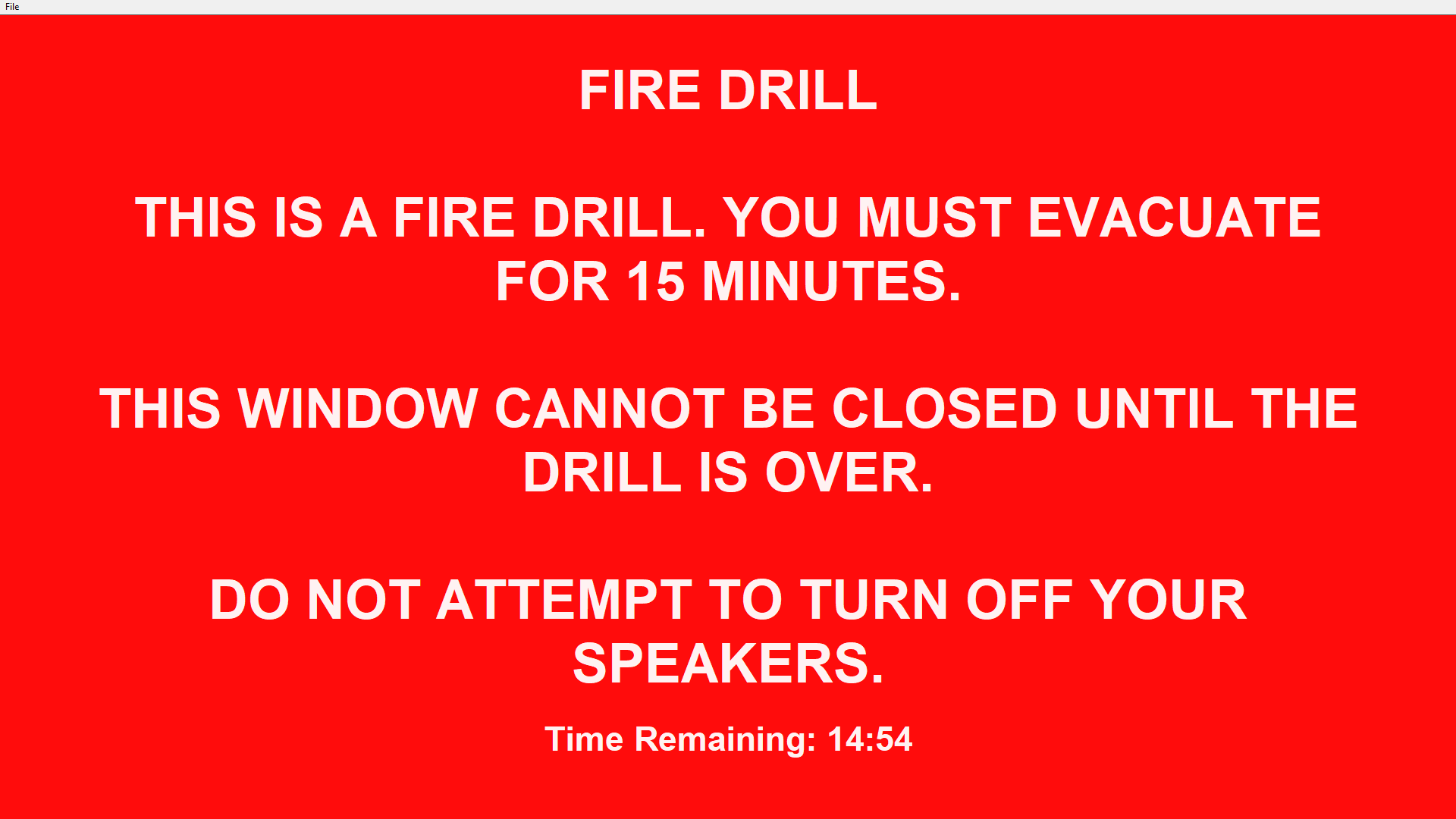
Fire Drill is a desktop application for Windows designed to enhance fire safety preparedness by simulating surprise fire drills. While still in development, the program aims to help users practice their home fire escape plans in a realistic and engaging way.
Current Features
- Drill Simulation (
drill.py): Handles the core functionality of the fire drill, including:- Fullscreen flashing red screen.
- Loud fire alarm sound to mimic a real emergency.
- Scheduler (
scheduler.py): Manages the automatic scheduling of fire drills. - Adds itself to the system startup.
- Uses a mean time to happen (MTTH) of 1 month to randomly determine when drills will occur.
Why Fire Drill?
Practicing fire escape plans can be a lifesaver in emergencies. Fire Drill encourages users to prepare effectively by simulating the stress and urgency of a real fire scenario.
Contribute
This project is a work in progress, and contributions are welcome! If you'd like to help out, please submit an issue or pull request on Github.
Stay Safe
Fire Drill helps you build confidence in your escape plan so you can act decisively when seconds matter. Stay safe, stay sharp, and always be ready. As Andy Grove said, "only the paranoid survive."
Download
Install instructions
- Download and unzip the release
- Place the fire drill folder wherever you want to keep it i.e. inside your documents folder. There is no installer.
- Run scheduler.exe
- Everything should be set up! To verify, you can check the startup tab in your task manager. The scheduler should add itself to this list, so the software can persist between reboots and deliver random, realistic fire drills.
Leave a comment
Log in with itch.io to leave a comment.